A camera app with room to adjust
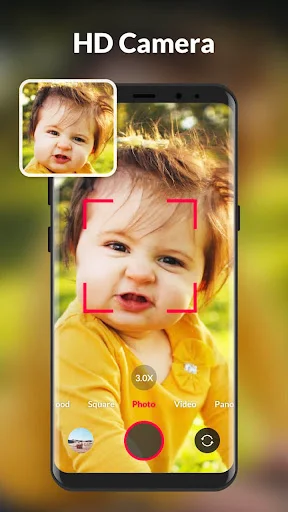
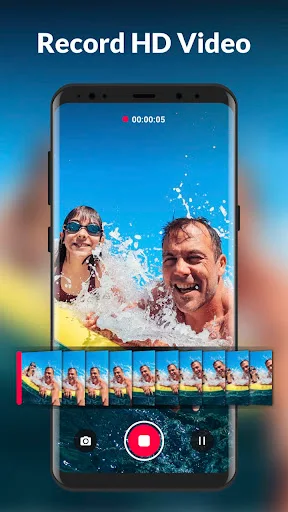
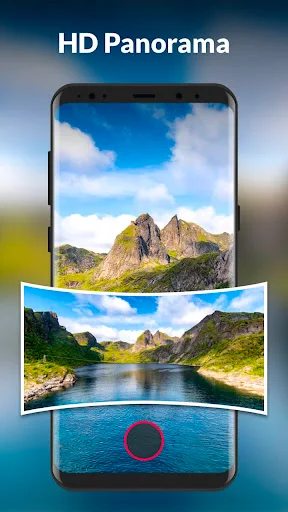
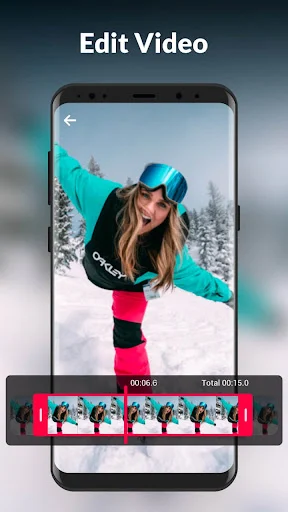
HD Camera for Android: XCamera is for people who want more choices than a basic point-and-shoot screen offers. It combines ordinary photo and video capture with options such as panorama, square framing, food mode, short video and a Pro mode. The range suits someone who switches between quick snapshots and shots that need a little more setup.
Controls for changing conditions
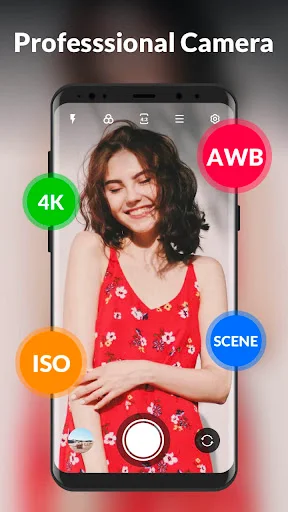
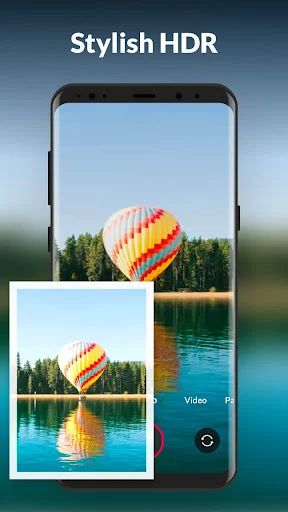
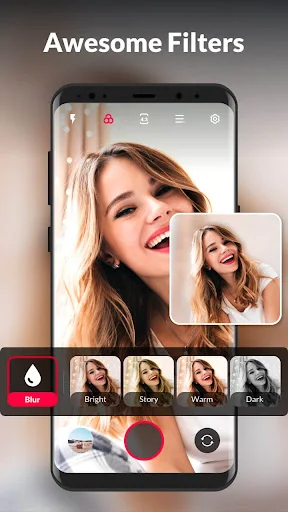
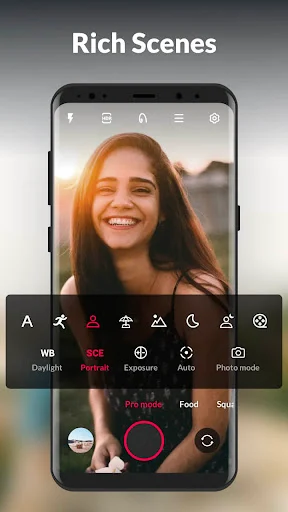
While framing a shot, you can zoom, tap to focus and adjust exposure and white balance. HDR is available for scenes with bright and dark areas, and the app includes night and sport scene settings. These controls give you ways to respond to the subject or lighting without leaving the camera. There are also 19 filters to preview while taking a photo.
Useful shooting extras
A countdown timer, burst shooting, flash or torch, and steady-shooting support cover common camera needs. You can trigger the shutter by touching the screen or using the volume key; audio control is also listed for taking photos and videos. An auto level can help keep the frame straight, and location information can be recorded with images. Picture and video adjustment tools and a collage option round out the extras.
Established, with a broad feature set
Simple Design Ltd. makes XCamera, which is listed in Photography. Its 4.73-star rating comes from about 355,000 ratings, and the app has more than 10 million installs. That reach suggests it has found a substantial audience, though the main reason to consider it is practical: several shooting modes and hands-on controls are collected in one camera app. If you mostly take casual photos, the extra settings may be more than you need; if you like to adjust a shot before pressing the shutter, they are close at hand.