Advertisement
Click to download now, finish the installation quickly, and directly unlock the all-round experience
Advertisement
Screenshots
Click to download now, finish the installation quickly, and directly unlock the all-round experience
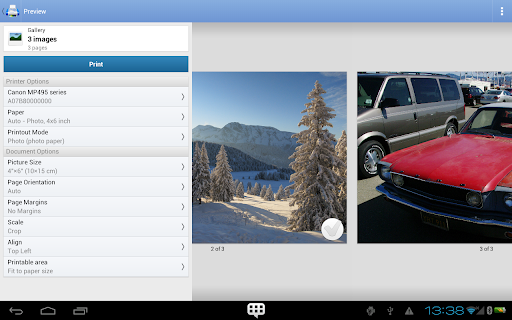
PrintHand Mobile Print sends documents, photos and other content from an Android phone or tablet to a compatible printer, without needing to move the file to a computer first. It suits people who occasionally need a paper copy while away from a desk, as well as anyone who wants phone-based access to a home or office printer.
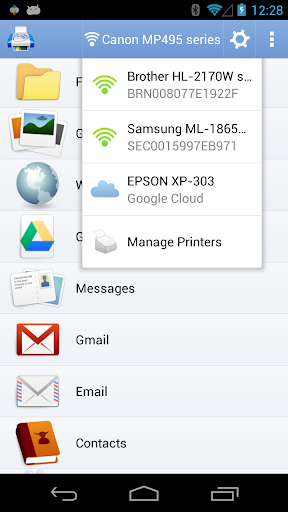
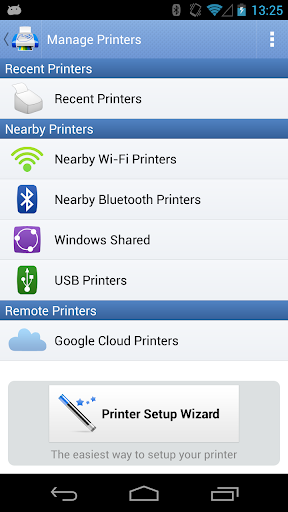
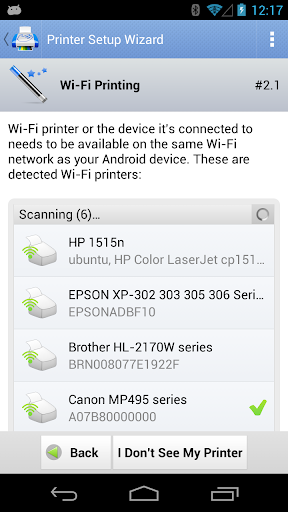
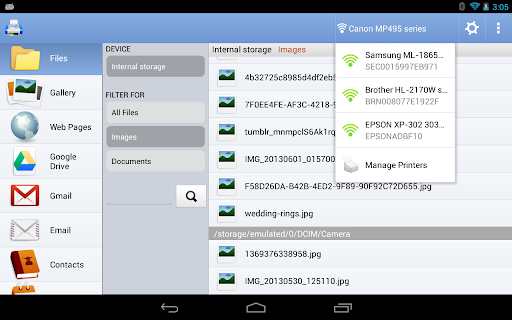
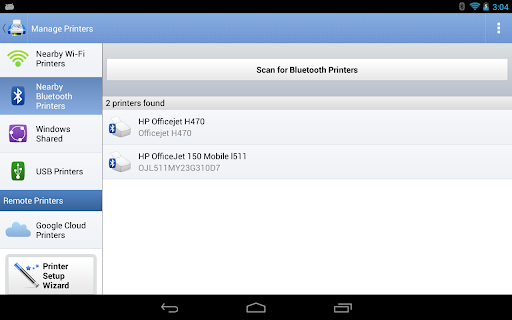
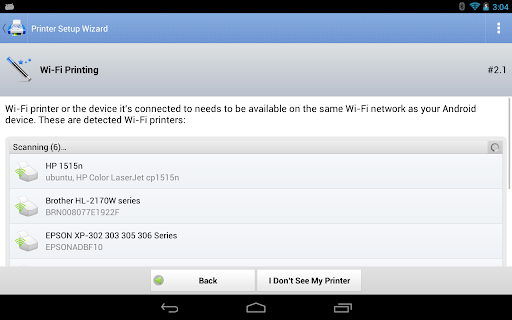
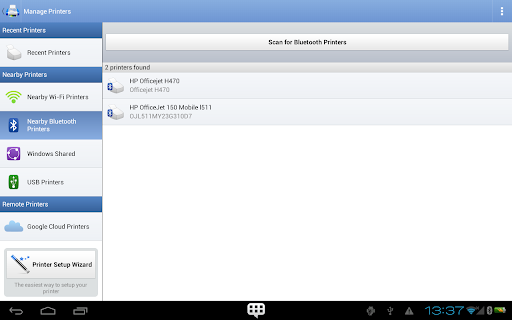
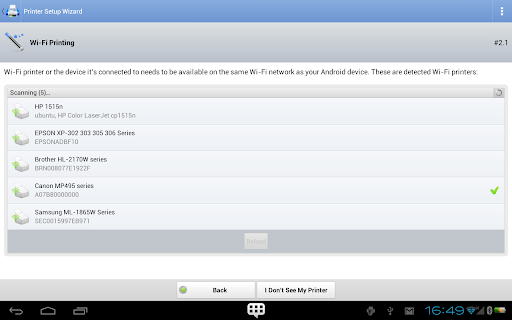
Depending on the printer and setup, the connection can be over Wi-Fi, Bluetooth or USB. Printing through a Mac or Windows computer is also supported when its printer is shared. USB printing depends on the phone supporting USB OTG and communicating properly with the printer, so checking compatibility matters.
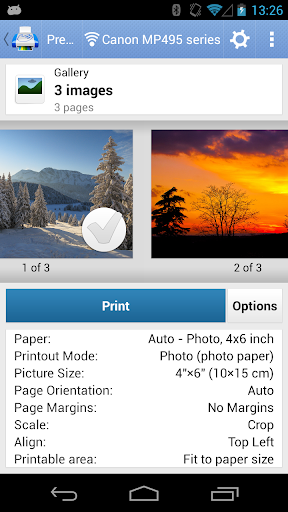
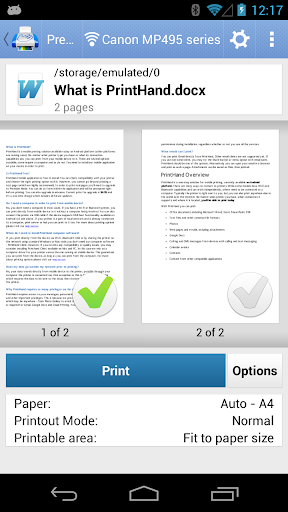
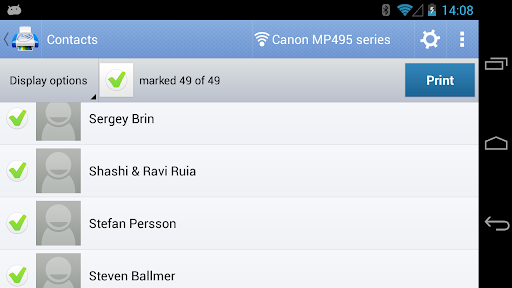
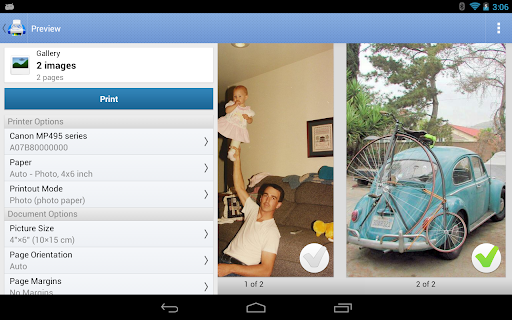
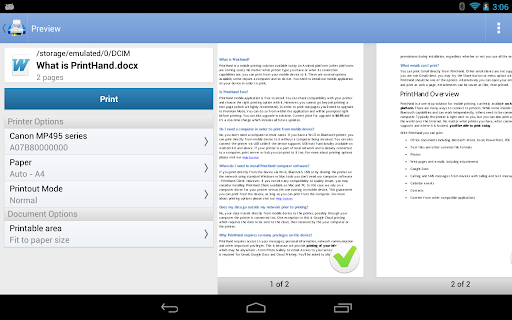
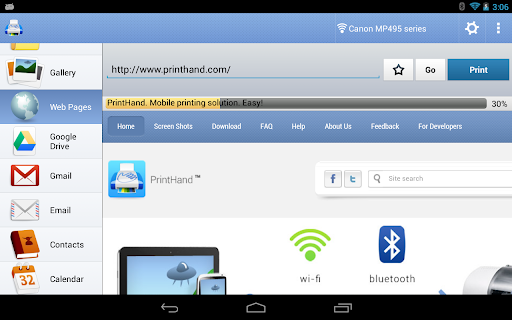
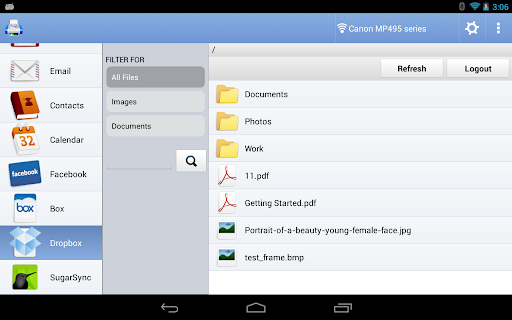
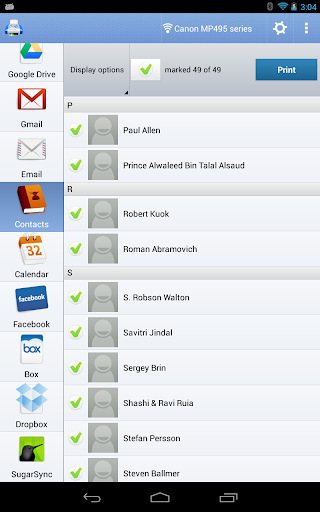
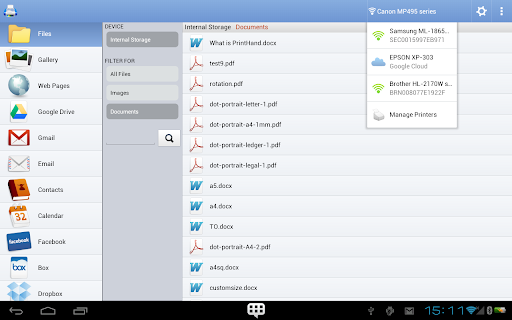
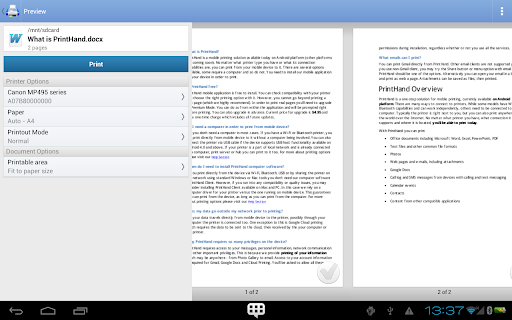
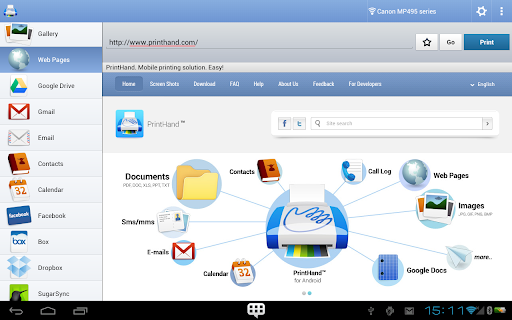
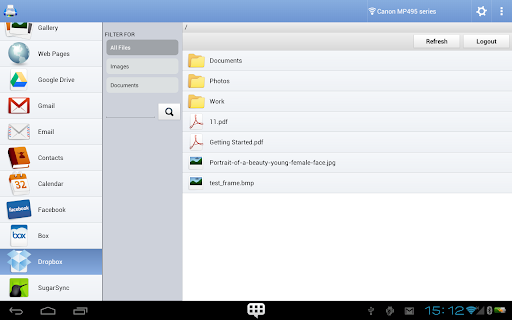
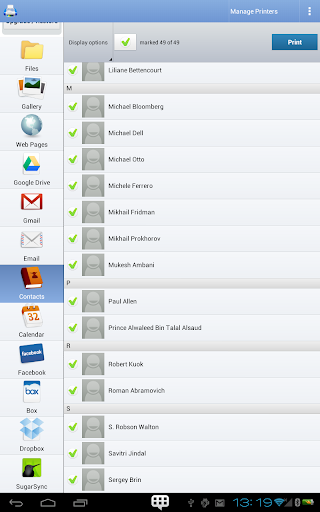
Supported content includes Word, Excel, PowerPoint and PDF documents, text files, photos, web pages, emails and attachments. The app can also access items from services such as Google Drive, Dropbox, OneDrive and Box, along with contacts, calendar events and shared content from other apps. Scanning is available with selected multifunction printers.
Printer support varies. Check PrintHand’s supported-printer information before relying on it, especially if you have a portable printer or an unusual connection setup. SMS and call-log printing have been removed, according to the developer’s notes.
PrintHand is not free for printing real pages: that requires an in-app upgrade to Premium Mode. The developer recommends trying a free test page before upgrading. This makes it sensible to confirm that your phone and printer work together before deciding whether the app is worth keeping.
PrintHand is published by PrintHand and has more than 5 million installs. Its rating is 3.6 from 33,387 reviews, a useful reminder that printer compatibility and setup can affect the experience. If your printer is supported and you print from your phone often enough, it can save a few unnecessary trips through a computer.